Live Webcams in Hamburg
Explore the stunning views and live conditions in the region of Hamburg.
Latest Cameras in Hamburg
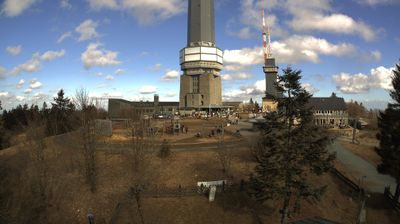

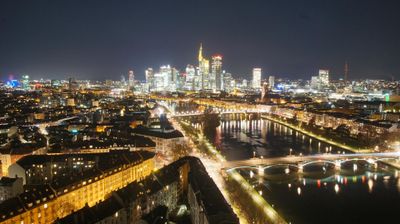
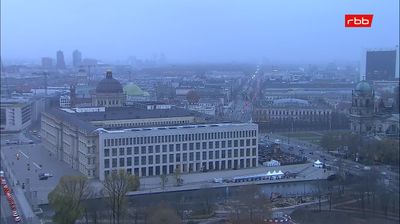


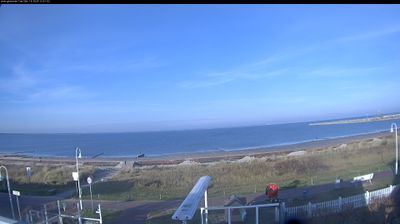
Discover Hamburg
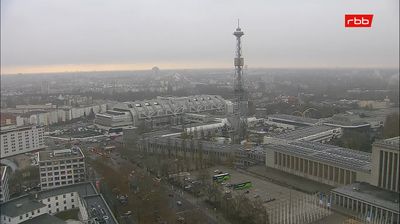
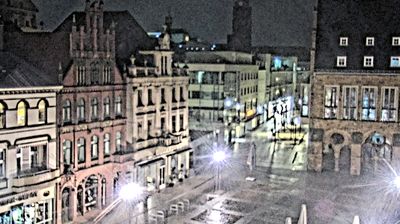
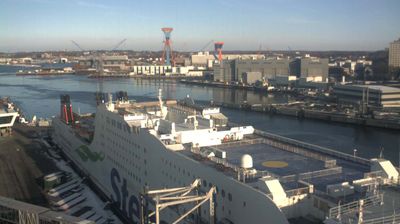
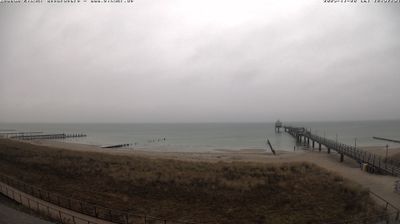
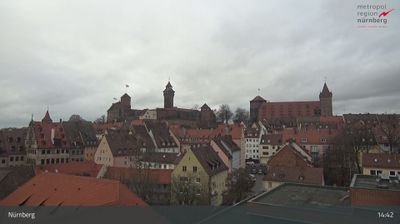
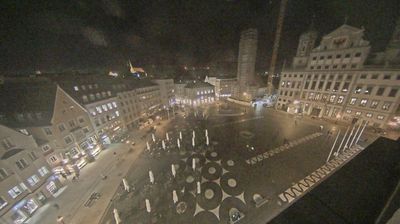
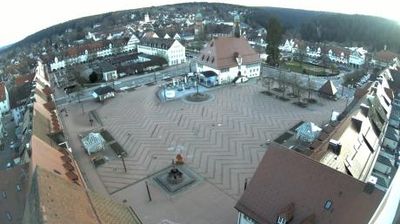
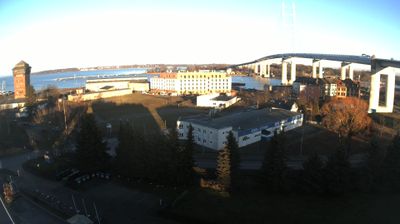
The region of Hamburg is full of hidden gems and iconic spots. Using our live webcams, you can monitor current traffic, verify weather conditions before a hike, or simply relax by watching a live beach or city square.

About Hamburg
Hamburg, officially the Free and Hanseatic City of Hamburg, is the second-largest city in Germany after Berlin and seventh-largest city in the European Union, with a population of over 1.9 million. The Hamburg Metropolitan Region has a population of over 5.1 million and is the tenth-largest metropolitan region by GDP in the European Union. At the southern tip of the Jutland Peninsula, Hamburg stands on the branching River Elbe at the head of a 110 km (68 mi) estuary to the North Sea, at the confluence of the Alster and Bille. Hamburg is one of Germany's three city-states alongside Berlin and Bremen, and is surrounded by Schleswig-Holstein to the north and Lower Saxony to the south. The Port of Hamburg is Germany's largest and Europe's third-largest, after Rotterdam and Antwerp. The local dialect is a variant of Low Saxon.
📖 Read more on Wikipedia