Minneapolis
 Minneapolis, Сједињене Америчке Државе
Real-Time Environment
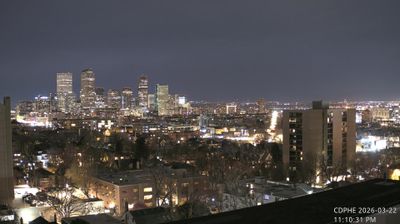
Welcome to the live streaming webcam for Minneapolis, perfectly situated in the vibrant region of Minneapolis, Сједињене Америчке Државе. Watching this live camera allows you to instantly experience the local atmosphere and monitor current climate conditions.

About Минеаполис
Минеаполис највећи је град америчке државе Минесота и главни град 16. највеће метрополе у САД. По попису из 2020. године град има 429.954 становника, што га чини 46. највећим градом у Сједињеним Државама. Заједно са градом Сент Пол чини метрополу „Градови близанци”. Градови-близанци и околна предграђа садрже око 3,63 милиона људи, што га чини трећим највећим економским и популацијским центром на Средњем западу. Град је такође седиште округа Хенепин.
📖 Read more on Wikipedia📍 Location Facts
-
Country
 Сједињене Америчке Државе
- Region Минесота
- City Minneapolis
- Coordinates 44.9480°N, -93.3065°E
Have you been to Minneapolis?
Help the community! Share your experience, tell us about the weather, or upload your own photos from this exact location.