 Live Webcams in Ohrid
Explore live streaming views from Ohrid, . Check current weather conditions, traffic, and beautiful local spots.
Latest Cameras
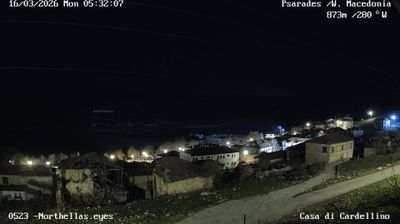
22 streams found





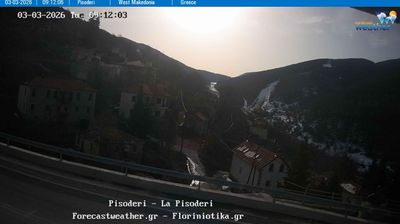
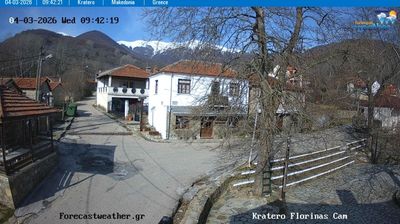
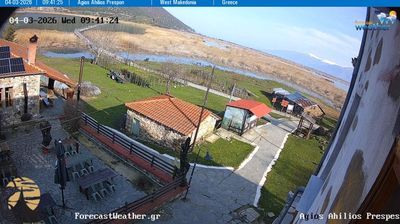
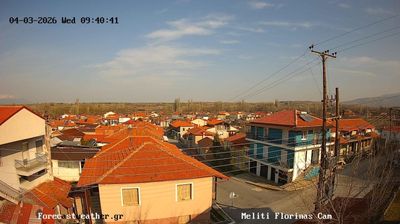

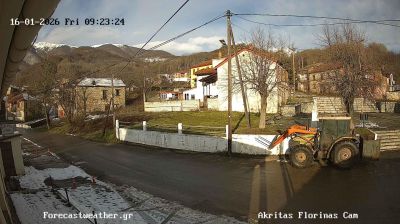
Virtual Travel to Ohrid
Whether you are planning a real-world visit or just digital globe-trotting, the live webcams in Ohrid offer an unfiltered glimpse into daily life. Watch the sunrise, check the local traffic before your commute, or simply enjoy the urban and natural landscapes that make this location unique. Bookmark this page to easily return and check the live weather conditions anytime.

About Ohrid
Ohrid is a city in North Macedonia and is the seat of the Ohrid Municipality. It is the largest city on Lake Ohrid and the eighth-largest city in the country, with it recording a population of over 38,000 inhabitants as of 2021. Ohrid is known for once having 365 churches, one for each day of the year, and has been referred to as the "Jerusalem of the Balkans". The city is rich in picturesque houses and monuments, and tourism is predominant. It is located southwest of Skopje, west of Resen and Bitola. In 1979 and in 1980, respectively, Ohrid and Lake Ohrid were accepted as Cultural and Natural World Heritage Sites by UNESCO. Ohrid is one of only 40 sites that are part of UNESCO's World Heritage that are Cultural as well as Natural sites.
📖 Read more on Wikipedia